A single misaligned ERP module can stall shipping lines and delay financial close cycles for weeks.
For growing firms, picking the right tools is the difference between smooth growth and constant daily friction.
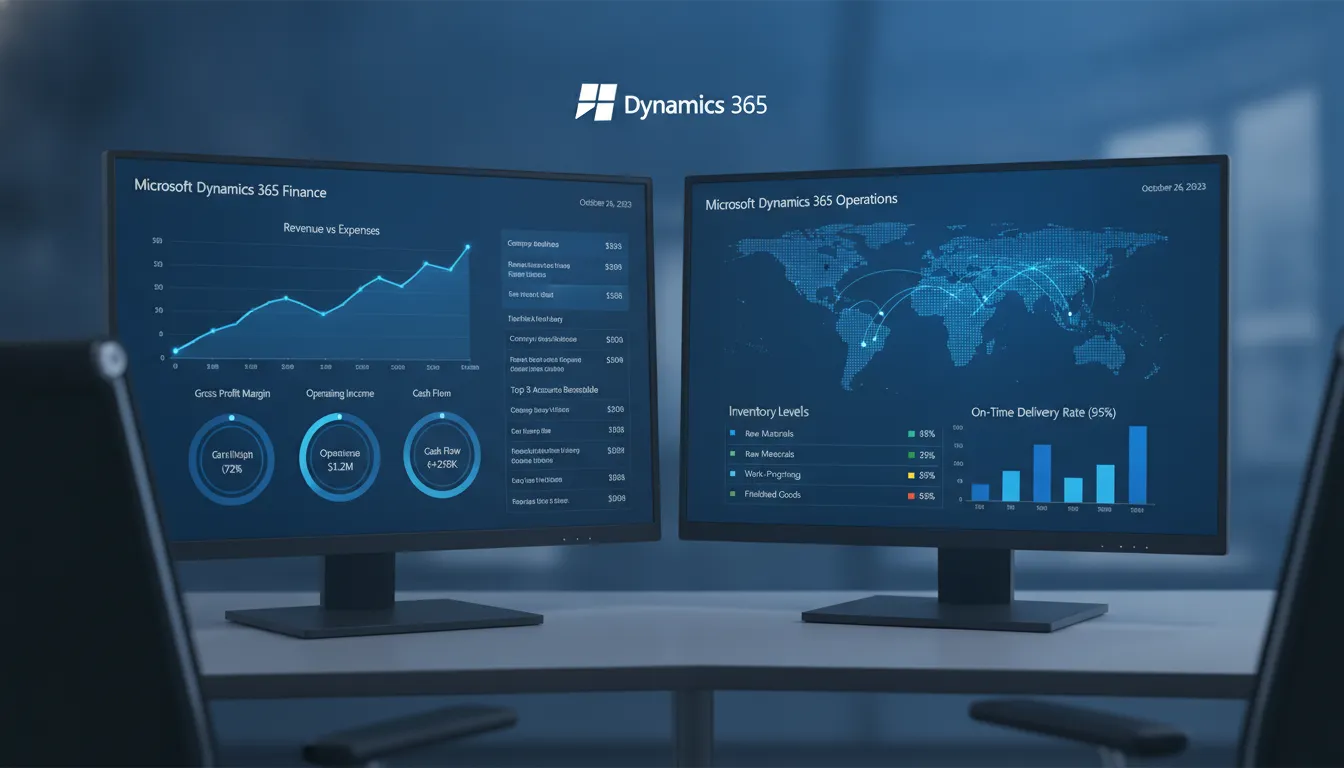
The Dynamics 365 Finance vs Operations comparison shows how Microsoft splits its main business software into a core financial tool and a separate system for supply chain planning. The smart Finance module automates daily accounting tasks, tracks company budgets, and speeds up monthly close cycles while using new AI tools to forecast your cash flows easily. Meanwhile, the Operations module, now called Supply Chain Management, tracks your physical assets by tracking warehouse stock, manufacturing schedules, product buys, and all daily shipping runs very quickly. While some small firms only need the basic financial tools, most growing companies choose to link both modules to build one single business management platform that works perfectly.
To make the most profitable software choice for your business, you must first understand how Microsoft groups these distinct tools.
We will start by answering the basic question of What Are Dynamics 365 Finance and Operations? to show you how they function.
Here is how Dynamics 365 Finance and Supply Chain Management compare and work together.
Dynamics 365 Finance Vs Operations: What Are Dynamics 365 Finance and Operations?
Many large firms struggle to connect their teams, data, and work. Microsoft designed its top enterprise resource planning (ERP) platform to solve this issue. A standard ERP links business apps to track data, as noted in the NIST entry for these systems. This tool helps teams work from one source of truth. Today, this suite is known as Microsoft Dynamics 365 Finance and Operations.
The roots in Dynamics AX
This enterprise tool has deep roots. Before it became a modern cloud app, Microsoft sold it as Dynamics AX, which was first called Axapta. It was a local program that helped firms manage their work on their own servers. Microsoft bought Axapta to build a strong ERP tool for large firms. Over time, the software maker shifted the tool to the cloud and gave it a new name. Now, it is part of the Microsoft Dynamics cloud group.
Two core apps under a unified platform
Microsoft split the old Dynamics AX system into two key parts. When firms compare Dynamics 365 Finance vs Operations, they look at these two apps. The first is Dynamics 365 Finance, which improves financial agility through AI-powered forecasting and automation. The second is Dynamics 365 Supply Chain Management, which uses AI for visibility, planning, procurement, and fulfillment.
While Microsoft sells these apps as separate products, they run on the same database. This means they share the same tables, code, and user interface. Teams can share data in real time without building custom links. This design cuts down on human error and keeps books clean. It gives big firms a single view of their cash and goods.
A cloud solution for large businesses
The system is built for medium to large firms with complex needs. It is much larger than basic tools meant for small storefronts. The software handles global business tasks, like working with multiple currencies and tax laws. It also manages complex supply chains with many sites and warehouses. This makes it a great fit for global brands that need to keep their data in one place.
Setting up this system is a major step. Because of its size, firms often need expert help when implementing Dynamics 365 Finance and Operations. A skilled partner can guide the team through the process to avoid common issues. This planning ensures the system fits the exact goals of the business from day one.
Understanding the Dynamics 365 Finance Module
The Dynamics 365 Finance module offers a clear way to manage business accounting. It links the ledger, payables, receivables, and assets in one dashboard. By grouping these core ERP business functions, leaders can track cash, control costs, and make informed choices. This unified system helps end data silos across different teams.
Core accounting and ledger tools
At the center of the system is the general ledger. It tracks every transaction and financial event across the business. According to guidelines from the U.S. Securities and Exchange Commission, business financial records must be correct and easily checked. This module ensures data safety by using auto ledger entries and strict compliance rules. It reduces the risk of human errors from entering data by hand.
The module also eases asset tracking and vendor billing. It tracks fixed assets from purchase to disposal. With these tools, teams can automate billing cycles, track value loss, and reduce manual errors. Business owners can get a clear view of their spending patterns without hiring more staff.
Predictive insights and cash flow forecasting
Planning tools help businesses map out future growth with less risk. Dynamics 365 Finance improves financial agility through AI-powered forecasting and automation. It uses past data to show future cash trends and find patterns early. This helps teams make smart choices about budget plans and fund spending. It takes the guesswork out of financial planning.
The system provides intelligent cash flow forecasting and trend identification. With these insights, teams can view cash trends and spot potential shortfalls before they happen. Using this data, a company can adjust its plans and protect its cash flow. To keep this money secure, the platform relies on security rules from the National Institute of Standards and Technology.
Dynamic modeling and close acceleration
The module speeds up month-end closes. Dynamics 365 Finance automates subledger matching and accelerates close cycles. This means the finance team spends less time on manual checks and more time on deep data study. It keeps the business moving fast by cutting the close process from weeks to days.
It also offers dynamic forecasting and scenario modeling aligned with operational data. Teams can run simple tests to see how changes in supply costs or sales affect the bottom line. For firms that need expert setup, choosing quality Dynamics 365 consulting services can ensure a smooth shift and rapid value.
Understanding the Dynamics 365 Supply Chain Management Module
The Supply Chain Management (SCM) module in Dynamics 365 handles physical business processes. It was once called the Operations module. This tool helps firms manage goods from the raw state to the final sale. When implementing Dynamics 365 Finance and Operations, teams use this module to connect their shop floor with back-office systems.
Inventory and warehouse management
At its core, this module provides deep control over stock. Good inventory management is key to keeping costs low. The software tracks where items are in real time across different sites. It uses 3D floor maps to guide workers as they pick and pack orders. It also guides warehouse teams on how to store goods in the best spots to save space and reduce travel times.
Firms can also optimize stock levels to avoid waste. To do this, Dynamics 365 Supply Chain Management sets up dynamic stock buffers. These buffers change on their own based on how fast items sell. This prevents warehouses from holding too much stock or running out of critical parts.
Demand planning and MRP runs
The system helps teams plan for future needs with high accuracy. It improves forecast accuracy with AI and external signals. This feature lets planners look at market trends and past sales at the same time. Planners can then make smart decisions on when to buy more parts or make more goods.
Once plans are set, the software runs material requirements planning (MRP). SCM enables MRP runs in minutes for faster replenishment. Older ERP tools took hours or even days to process these runs. Running them quickly means teams can react to supply changes right away without lag.
Manufacturing and procurement with Copilot
For manufacturers, the system manages the entire production cycle. It tracks raw materials, schedules machines, and records labor costs. It works for discrete, process, and mixed-mode manufacturing. Procurement teams also use it to manage vendor relations and automate buying rules to keep things moving. This ensures that factories always have the parts they need to build products without carrying too much costly spare parts.
AI plays a big role in modern operations. D365 uses AI for visibility, planning, procurement, and fulfillment. Microsoft Copilot acts as a built-in assistant to find and solve shipping delays before they happen. This gives firms a clear view of their entire network from end to end.
Dynamics 365 Finance vs Supply Chain Management: Key Differences
When comparing Dynamics 365 Finance vs Operations, you must look at how each module serves a distinct part of your business. While Microsoft once bundled these under a single name, they are now separate products. A business can deploy one or both based on its operational needs. The table below shows the key differences between the two systems. It compares user roles, core features, and tools.
| Feature | Dynamics 365 Finance | Supply Chain Management |
|---|---|---|
| Primary function | Ledger control, tax compliance, and financial tracking. | Inventory tracking, warehouse flow, and manufacturing. |
| Key features | Ledgers, AP/AR, cash flow, and asset management. | MRP runs, stock buffers, and procurement. |
| User roles | CFO, controller, and accounting teams. | COO, warehouse manager, and plant staff. |
| AI capabilities | Cash flow predictions and subledger matching. | Demand planning and fulfillment routing. |
| Reporting focus | Balance sheets, profit-and-loss, and tax logs. | Stock levels, vendor lead times, and yield rates. |
Core functional areas compared
The finance module focuses on financial agility and speed. It uses AI to match subledgers and close your books faster. These tools help teams meet standards set by the U.S. Securities and Exchange Commission. The system also gives you smart cash flow forecasts to find trends early. You can run tests and build models that match your main business data.
For supply chain management, the focus shifts to operational flow. This module uses AI for visibility, procurement, and smart planning. For example, you can run MRP tasks in minutes for faster replenishment. For firms with complex logistics, the system optimizes stock levels with dynamic stock buffers. It also uses AI and external signals to improve forecast accuracy. These tools align with supply chain standards shared by the National Institute of Standards and Technology.
When to choose a single module
Most mid-market firms do not need both modules at the start. If your main issues are accounting, tax filing, or cash reports, you should buy the finance module first. This module acts as the core of your ERP system. On the other hand, if your daily tasks involve inventory, warehouse flow, or shipping, choose the supply chain module. Selecting a single tool keeps your initial cost and setup scope low.
When to deploy both systems
Firms with both large financial teams and complex logistics need both modules. Using them together connects your purchasing directly to your general ledger. This connection eliminates manual work and reduces errors. If you are comparing ERP options, read our NetSuite vs Dynamics 365 comparison to see how they match up.
Setting up both modules can be complex. At Streams Solutions, our team has deep skills across NetSuite, Dynamics 365, and Salesforce. We use our StreamsWay process to focus on your main business goals. Our pre-built tools can also cut setup time by 40 to 60 percent. This plan ensures you get a smooth setup with no surprise costs.
How Finance and Operations Work Together in Dynamics 365
Native system integration
Businesses work best when their systems talk to each other without delays. When looking at Dynamics 365 Finance vs Operations, the main point is not how they differ. Instead, it is how they link up. These two systems share one database, so data flows from one side to the other right away. Teams do not have to copy numbers from a supply tool into an accounting tool. This native link stops manual errors and saves time.
Enterprise resource planning systems work best when financial and operational data connect seamlessly. According to research from North Carolina State University, integrated platforms help businesses streamline their workflows and see a higher return on investment. If you want to plan your own shift, you should look at an ERP implementation roadmap to map out your steps.
Real-time financial transactions
This real-time connection shows up in daily workflows. For example, procurement data moves into accounts payable without delay. When a worker buys goods, the system creates a purchase order in the supply chain module. As soon as the warehouse receives the goods, the general ledger gets an update to keep your balance sheet correct.
Inventory and manufacturing costs also feed into financial reporting in real time. For instance, when stock levels drop, the supply chain tool adjusts and the finance tool updates the cost of goods sold. Dynamics 365 Finance uses these details to speed up your period-end close and automate subledger matching. This ensures your financial teams always work with active operational facts.
Copilot across modules
Smart tools make this joint system even stronger. Microsoft Copilot uses natural language tools to automate actions across Dynamics 365. This AI tool works across both modules. It helps you find trends and make plans with data from both finance and logistics.
For example, the AI can check inventory trends and suggest new stock levels. At the same time, it can adjust your cash forecasts based on those buying plans. Dynamics 365 Finance uses these inputs to provide intelligent cash flow forecasting. By linking operational plans with financial forecasts, you can run tests and make smart decisions fast.
Choosing the Right D365 Modules for Your Business
Choosing the right ERP system needs a clear plan. Companies must decide which parts of the platform they need today and what they can add later. Making the wrong choice can lead to high costs and slow setups.
Key evaluation factors
When you look at Dynamics 365 Finance vs Operations, you must check your daily tasks. Some firms only need to automate books, bills, and tax reports. Others need deep tools to track stock, run warehouses, make goods, and ship items. Finding your main pain points helps you pick the right starting place.
The step-by-step decision framework
Choosing your modules does not have to be hard. Follow these five steps to find the best fit for your team.
- Assess your primary pain points. First, find out if your biggest blocks are in money or operations. Slow monthly close times mean you need the Finance module. A bad inventory count shows a clear need for Supply Chain Management.
- Evaluate your current systems. Look at what tools you use now. Some legacy systems can still do their jobs, but others must go. This review shows which core ERP business functions you need to replace first.
- Consider your growth plans. Pick a setup that can grow with you. You might only need finance tools today. But new product lines could require manufacturing features next year. Plan for a system that allows you to add more modules down the road.
- Analyze budget and licensing limits. Each module has its own license cost. Buying both modules at once is a big expense. You may want to start with one module and phase in the second later. Studies show that matching system functions to actual business processes is critical for long-term ERP success.
- Select an implementation partner. The right partner guides your project from start to finish. Look for a team with deep experience in your industry to avoid costly setup mistakes. They will help you set up the modules and train your users.
Partner selection and implementation
Choosing a partner is just as critical as choosing the software. Streams Solutions offers deep multi-platform expertise to help you plan a successful Dynamics 365 implementation. We use our proven StreamsWay methodology to focus on trust, collaboration, client objectives, and value.
To help you get results faster, we use special pre-built tools. Our custom accelerators reduce implementation time by 40-60%. This approach keeps your project on track, reduces manual work, and ensures there are no surprises.
Frequently Asked Questions
Can Dynamics 365 Finance and Supply Chain Management be used separately?
Yes, you can run each application on its own. Microsoft sells these modules as separate tools. According to the Microsoft Dynamics 365 Finance page, firms can use either module by itself or combine them. If your team only handles accounting, you can license Finance alone. If you also manage warehouse stock, you can add Supply Chain Management on the same cloud platform later.
How does Microsoft Copilot work in Dynamics 365 Finance vs Operations?
Microsoft Copilot uses AI to speed up daily tasks in both modules. In the Finance module, Copilot helps teams track cash flow and spot unpaid bills. In the Supply Chain Management module, Copilot helps find stock risks and track vendor shipments. According to Microsoft, this tool lets users ask simple questions to get business answers fast.
How long does a Dynamics 365 Finance and Operations implementation take?
A standard rollout often takes six to twelve months based on the size of your firm. However, using pre-built tools can speed up this process. According to Streams Solutions, custom software accelerators can cut your setup time by 40 to 60 percent. This approach helps your team go live faster, cuts manual work, and avoids surprises during the launch.
Which businesses need Dynamics 365 Finance vs Supply Chain Management?
Your choice depends on what your business does. Firms that only offer services or software can use the Finance module to manage billing, budgets, and cash flow. Manufacturing and shipping firms that handle physical goods also need the Supply Chain Management module to track stock, run warehouses, and plan production. Many mid-market firms choose to run both modules together on one platform.
Ready to Select Your Dynamics 365 Modules?
Delaying your ERP choice keeps your teams in silos, slows down daily work, and makes it hard to manage cash flow and track inventory. Starting the transition today helps you connect your finance and supply chain teams much faster so you can get clear and real-time data. With our trusted StreamsWay methodology, we guide your business to avoid costly setup errors and build a custom system that fits your exact goals.
Ready to streamline your business? Schedule a Dynamics 365 consultation with the experts at Streams Solutions today. Our team is ready to guide you. We will help you evaluate your options, design a clear roadmap, and select the exact tools you need.