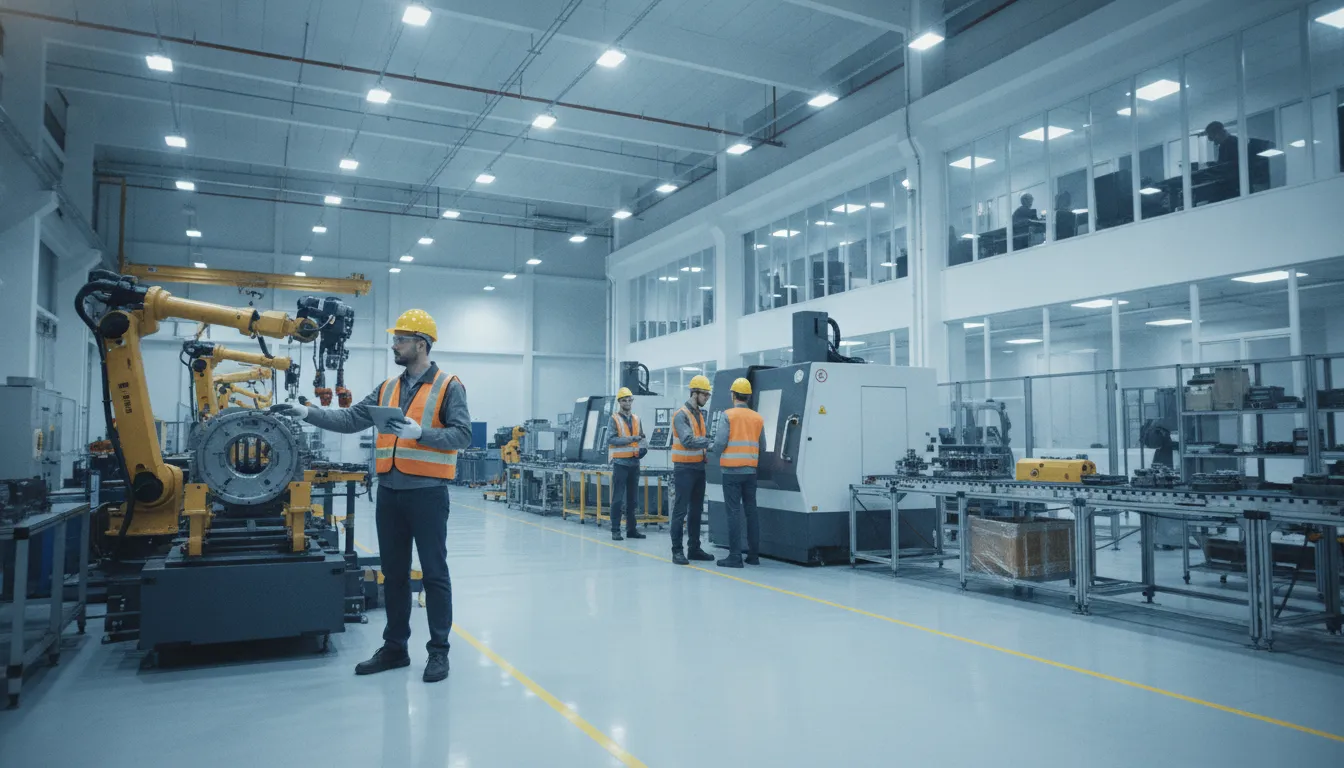
When production data lives in spreadsheets, disconnected inventory tools, and separate work-order systems, even routine decisions can require manual reconciliation. Mid-market manufacturers need a clearer view of what is planned, what is in process, what materials are available, and what is ready to ship.
NetSuite manufacturing connects sales orders, process planning, production, work orders, inventory, and finished-goods tracking in one integrated workflow, giving operations and finance teams a shared source of truth. Oracle describes the platform as supporting the flow from sales order and planning through building goods, tracking work orders, and releasing finished products for shipping: Oracle NetSuite documentation.
That unified view helps teams replace fragmented handoffs with connected processes and more timely operational visibility.
Talk with Streams Solutions about connecting your manufacturing operations.
The practical value starts with understanding how production activity, inventory movement, and order status work together across the platform.
How NetSuite Manufacturing Brings Production onto One Platform
Manufacturers rarely lose visibility because one team lacks effort. More often, critical information is distributed across spreadsheets, email threads, disconnected inventory tools, and production records that update at different times. Sales may see an order as ready to fulfill while operations is still confirming materials. And finance may not have a reliable view of the cost or status of the work. That fragmentation makes routine decisions slower and exceptions harder to identify.
NetSuite manufacturing addresses this gap by connecting the production workflow within a shared ERP environment. Instead of treating sales, planning, inventory, production, and shipping as separate activities, the platform carries information from one stage to the next. The result is a common operational record that teams can use to coordinate work and respond to changes with greater confidence.
From sales order to finished goods
The workflow begins with demand. As a sales order moves into planning, production teams can use the same system to organize the requirements for building the product. NetSuite documentation describes an integrated path from sales order processing and process planning through building goods, tracking work orders, and releasing finished goods for shipping. Oracle’s manufacturing documentation provides the underlying product detail.
This connection matters because each handoff can otherwise create delay or ambiguity. When an order, its production requirements, and its fulfillment status are represented in the same platform. Teams have a clearer basis for answering practical questions: Which orders are in production? What remains to be completed? Which finished goods are ready to ship? Those answers are more useful than a spreadsheet snapshot that may already be out of date.
A shared view across production, inventory, and supply chain
A single platform also links production activity to the inventory and supply chain information that supports it. Material availability, work order progress, and finished-goods status become connected parts of the same operating picture rather than isolated records. This gives operations leaders a more timely view of constraints and helps finance, purchasing, sales, and warehouse teams work from consistent information.
For mid-market manufacturers moving away from manual processes and disconnected systems, the objective is not simply to replace spreadsheets. It is to create real-time visibility that supports better coordination and less repetitive data entry. The platform becomes a source of truth for the flow of goods and the decisions surrounding that flow. With that foundation in place, manufacturers can examine bills of materials, work in process. Inventory, and supply chain performance in more detail without rebuilding the context in another tool.
What Manufacturing ERP Does and Why Mid-Market Manufacturers Need It
Manufacturing ERP connects the information that keeps a factory operating: production plans, inventory records, purchase activity, order status, and financial data. Instead of asking teams to reconcile spreadsheets and disconnected applications, an ERP gives finance, operations. And leadership a shared view of what is being made, what materials are available, and what commitments must be met.
That coordination matters as a manufacturer grows. A process that works when one facility and a small team can resolve exceptions by conversation becomes fragile when product lines. Work centers, warehouses, suppliers, and customer orders multiply. Enterprise resource planning systems are fundamental to managing complex information flows across production, inventory, and supply chain processes, according to the National Institute of Standards and Technology.
From shop floor activity to business decisions
Modern manufacturing requires seamless connectivity between production floor data and ERP systems. When those systems are connected, an update made during production can inform the teams responsible for inventory, purchasing, fulfillment, and financial reporting. Leaders can investigate constraints using current operational information rather than waiting for a manual report assembled after the fact.
This does not mean every operation should be forced into an identical workflow. A well-designed manufacturing ERP should reflect the company’s production model, facility structure, approval controls, and reporting requirements. It should also make exceptions visible. If a material shortage, delayed order, or capacity constraint threatens the schedule. The people who need to act should be able to see the impact in the same operating environment.
Why the model fits mid-market manufacturers
Mid-market manufacturers often sit between two difficult choices. Basic accounting or inventory tools may no longer provide enough operational control, while a collection of specialized systems creates integration costs and data gaps. NetSuite manufacturing capabilities can provide a central platform for coordinating production, inventory, order tracking, and finance, while supporting operations across multiple facilities.
The value is not simply having more modules. It is creating dependable connections between processes. A sales order can inform demand and planning. Production activity can affect material availability and fulfillment expectations. Inventory movements can support more consistent valuation and financial visibility. Those links help teams reduce manual re-entry and spend more time managing decisions instead of correcting records.
Manufacturers evaluating this transition should assess process design alongside software features. A practical NetSuite implementation for manufacturing operations should map shop floor requirements, data ownership, facility-level differences, integrations, and reporting needs before configuration begins. That groundwork helps the ERP support the business as it scales, rather than becoming another disconnected layer.
Managing Bills of Materials and Assembly in NetSuite
Accurate production starts with a reliable definition of what a product contains. In NetSuite, the bill of materials (BOM) provides that definition in a form operations, purchasing, inventory, and finance teams can use together. Instead of maintaining separate spreadsheets for each plant or product version, manufacturers can establish structured component relationships within the same system that records production activity and inventory movement.
Build facility-specific material requirements
Advanced Bill of Materials lets manufacturers define the quantities of raw materials, assemblies, sub-components, and parts required to manufacture a product at one or multiple facilities. That matters when plants use different sourcing strategies, production capacities, or approved component substitutions. A centralized BOM structure gives planners a consistent baseline while preserving the detail needed to execute production at the relevant location.
The BOM also supports clearer purchasing and production planning. Teams can see which materials feed an assembly, which sub-assemblies must be completed first, and how demand for a finished product translates into component requirements. This reduces the risk that a buyer or production lead is working from an outdated component list, particularly as product lines expand and manufacturing becomes more complex.
Separate materials from assembled inventory
NetSuite assembly item records help define the members of an assembly and track raw materials and assembled items separately. That distinction gives operations a more precise view of what is available for production, what has been consumed, and what has been converted into finished or intermediate goods. It also supports more accurate inventory valuation by keeping component activity distinct from the value of the resulting assembly.
For finance leaders, this separation improves the connection between shop-floor events and inventory accounting. For operations teams, it makes discrepancies easier to investigate. When a production quantity, component issue, or assembly receipt does not align with expectations, the underlying item records provide a clearer starting point than a manually reconciled worksheet. The result is a more dependable operational record as materials move through the production process.
Control component changes over the product lifecycle
Products change. A component may be replaced, become obsolete, or remain approved only during a defined period. NetSuite BOM controls help manufacturers plan the use and purchase of components that are effective or obsolete within specified timeframes. This allows the organization to coordinate engineering, purchasing, and production decisions rather than discovering a component change after an order reaches the floor.
Version-aware BOM management is especially valuable for companies producing multiple configurations or managing ongoing product updates. It helps ensure that the right materials are associated with the right build at the right time. While giving stakeholders a clearer basis for planning the transition from one configuration to another. These controls make NetSuite manufacturing processes more traceable and easier to govern as product requirements evolve.
Tracking Work Orders and Work in Process in Real Time
Once a manufacturing order moves beyond planning, operations leaders need more than a promised completion date. They need to know whether materials have been gathered, which operations are complete, where an order is waiting, and what has been transferred into finished-goods inventory. NetSuite Manufacturing Work In Process (WIP) functionality provides a connected view of that lifecycle, from material gathering through shop floor assembly to stocking finished goods.
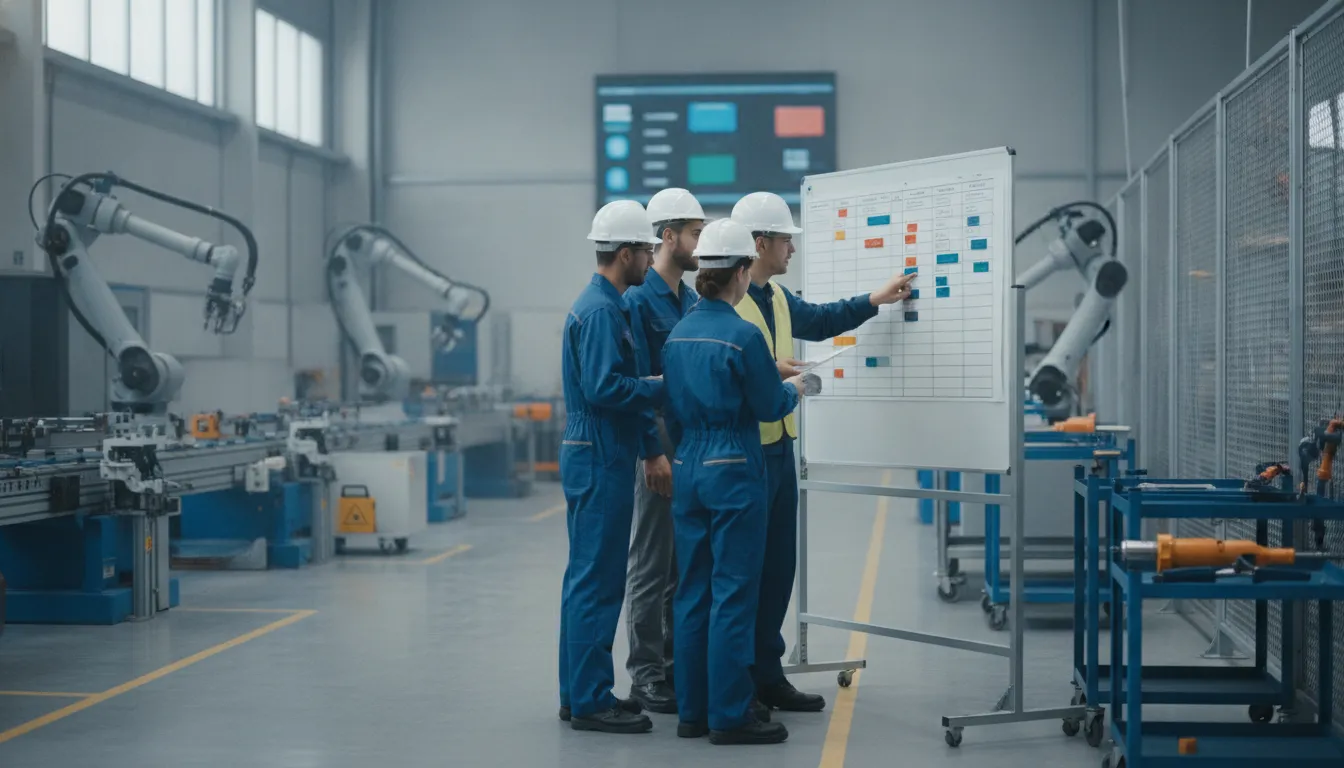
This visibility helps replace status updates assembled manually from spreadsheets, emails, and disconnected shop floor systems. It also gives production, inventory, and finance teams a shared record of what has been consumed, what remains in process, and what is ready for the next step.
Coordinate complex work orders across teams and work centers
Many products require several operations performed by different teams, machines, or work centers. NetSuite can schedule and record manufacturing activities against a complex work order, helping managers coordinate dependencies without treating the order as a single undifferentiated task. Production teams can record progress as operations occur, while supervisors gain a clearer view of work that is active, pending, or complete.
That structure is particularly useful when production bottlenecks develop between work centers. A manager can investigate whether the constraint is a material shortage, an unfinished prior operation, or limited capacity at a specific center. The goal is not simply to report that an order is late. It is to identify the operational condition that needs attention while there is still time to adjust the schedule.
Capture shop floor activity closer to the source
Data quality depends on how easily operators can report activity. The NetSuite Manufacturing Mobile SuiteApp enables shop floor operators, including those with limited ERP experience, to report manufacturing data with mobile scanners. Recording activity where it happens can reduce delayed entry and improve the timeliness of work order, labor, and material updates. Oracle documents the SuiteApp as a mobile solution designed to support streamlined production reporting and improved performance and scalability.
Real-time reporting also supports more disciplined material consumption. As components are issued and production advances, teams can compare expected usage with actual progress and identify discrepancies sooner. The resulting WIP view helps manufacturers optimize material consumption in real time, limit avoidable waste, and make better decisions about replenishment or production sequencing.
For manufacturers evaluating NetSuite work order and WIP capabilities, the practical value depends on accurate routings, item records, work center setup, and adoption on the shop floor. A thoughtful implementation connects those elements so operational data becomes useful to production, inventory, and finance rather than another isolated system of record.
How NetSuite Handles Discrete and Outsourced Manufacturing
Discrete manufacturing depends on clear control over individual components, assemblies, and production orders. NetSuite supports this model by connecting assembly item records with work orders, so manufacturers can define what belongs in a finished product and track materials as production advances. An assembly record can identify the members of a product while keeping raw materials and assembled items visible as separate inventory elements. This gives operations and finance teams a more reliable view of component consumption, finished-goods availability, and inventory valuation.
Work orders provide the operational layer. Teams can use them to organize the required build, issue or consume materials, record production activity, and move completed assemblies into stock. That structure is useful whether production involves a straightforward subassembly or a more involved build with multiple stages. It also creates a transaction trail that connects planned production with the inventory movement that follows it. NetSuite documentation describes this assembly and tracking capability in its manufacturing workflow guidance.
Managing production performed by outside vendors
Not every manufacturer completes every production step internally. A company may subcontract fabrication, finishing, or an entire assembly while retaining responsibility for product specifications, purchasing, quality, and customer delivery. NetSuite’s outsourced manufacturing capability supports this arrangement by allowing the business to manage subcontracted production through the purchase of outsourced assembly production from vendors.
In practice, the vendor becomes part of the production workflow rather than an isolated line item in a separate purchasing process. The business can align the outsourced assembly with demand, purchasing, and inventory records, helping teams understand what has been ordered. What remains in the vendor’s process, and what is available when the completed assembly returns. The exact configuration depends on the operating model, vendor relationship, and level of manufacturing control required.
Maintaining visibility beyond the internal shop floor
Outsourcing does not have to mean losing operational visibility. By recording subcontracted assemblies and related purchasing activity in the same ERP environment, manufacturers can maintain a connected view even when production occurs at a third-party facility. That visibility helps operations coordinate supply with demand, gives finance better context for production costs, and reduces the need to reconcile vendor updates manually across spreadsheets and email.
For manufacturers combining internal discrete production with external capacity, the value is consistency. Assembly records, work orders, vendor transactions, and inventory updates can support one production picture instead of separate internal and outsourced processes. A careful implementation should map ownership, handoff points, material responsibility, and status definitions before configuring the workflow.
Connecting Inventory and Supply Chain on One Platform
Inventory accuracy and supply chain visibility are closely linked. When production data, purchasing records, warehouse updates, and supplier information live in separate systems, teams often rely on spreadsheets, manual reconciliation, or delayed reports. That makes it harder to know what is available, what is committed, and where a constraint may affect customer orders. Mid-market manufacturers commonly face this combination of disconnected processes and limited real-time visibility, especially as product lines, facilities, and supplier networks grow.
NetSuite can provide a central operating view by connecting production, inventory, and supply chain activity in one platform. Rather than treating inventory as a finance record updated after the fact, manufacturers can use the ERP to connect material requirements, work orders, inventory movements, purchasing, and fulfillment. This creates a single source of truth for operational decisions and reduces the data silos that cause teams to work from conflicting assumptions.
Turn shop floor activity into supply chain insight
That connection is most valuable when shop floor data reaches the ERP quickly and consistently. The National Institute of Standards and Technology identifies seamless connectivity between production floor data and ERP systems as a requirement for modern manufacturing. With a connected flow of information, operations leaders can evaluate production status alongside material availability instead of waiting for separate updates from supervisors, warehouse staff, or procurement.
For example, an emerging material shortage can be assessed in the context of open work orders, current inventory, planned production, and customer demand. The goal is not simply to display more data. It is to give teams a shared operational picture so they can prioritize purchases, adjust schedules, communicate changes, and reduce avoidable delays.
Build resilience through better tracking
Supply chain challenges remain a primary concern for manufacturers, making stronger tracking and management capabilities important for resilience. NetSuite can help organize the records needed to follow materials and finished goods through the business, while supporting coordination between production, inventory control, purchasing, and fulfillment. The specific configuration depends on the manufacturer’s processes, locations, item structure, and supplier relationships, so implementation should begin with process mapping rather than a generic module checklist.
Analytics can extend this foundation by helping leaders examine trends in inventory, production performance, demand, and supply constraints. Manufacturers exploring analytics for NetSuite manufacturing data can use those insights to identify recurring bottlenecks and focus improvement work where it will have the greatest operational impact. The result is a more connected planning environment, where inventory decisions support production priorities and supply chain actions are informed by current business conditions.
Choosing a NetSuite Partner for Your Manufacturing Implementation
The right implementation partner does more than configure software. It translates production requirements into a workable operating model, connects ERP data with the systems your teams already use. And creates a path for adoption across finance, operations, and the shop floor. For manufacturers, that distinction matters because implementation decisions affect inventory accuracy, order flow, production visibility, and the confidence leaders have in operational reporting.
Start by evaluating partners against the outcomes your business needs. Manufacturing clients commonly want implementation predictability and less manual work, not another system that adds disconnected processes. Ask each candidate to explain how it will handle your production model, data migration, integrations, testing, training, and post-launch support. A partner should be able to show its approach in practical terms rather than relying on generic ERP credentials.
| Evaluation area | What strong capability looks like | Questions to ask |
|---|---|---|
| Manufacturing expertise | Experience mapping bills of materials, work orders, inventory, fulfillment, and production reporting to NetSuite. | Which manufacturing models and operational constraints has the team implemented? |
| Accelerators and integrations | Reusable tools that reduce repetitive configuration and connect commerce, order management, and fulfillment workflows. | What can be accelerated, and how will integrations be tested with our source systems? |
| Implementation approach | A phased plan with defined decisions, data ownership, testing gates, training, and measurable launch criteria. | What will we approve at each phase, and how are scope changes controlled? |
| Ongoing support | Post-launch guidance that helps teams refine processes, resolve issues, and extend the platform as the business changes. | Who supports us after go-live, and what is included in the support model? |
Specialized assets can also influence implementation efficiency. Streams Solutions reports that its NetSuite accelerators can speed implementation by 40% to 60% for manufacturing clients. Although the practical result depends on scope, data quality, integrations, and organizational readiness. Its Shopify-NetSuite Accelerator is designed to reduce manual order entry and automate e-commerce fulfillment, which can be valuable for manufacturers processing significant online order volume. Review the company’s NetSuite services and Streams NetSuite accelerators to understand where reusable capability may fit your environment.
Finally, require the partner to connect technical work to business measures. A credible plan should identify how the implementation will improve order accuracy, reduce duplicate entry, strengthen inventory visibility, or make production decisions easier to manage. That focus keeps the project grounded in operational value instead of treating go-live as the finish line.
Talk to a NetSuite manufacturing specialist
Frequently Asked Questions
What are the manufacturing modules in NetSuite?
NetSuite manufacturing capabilities can include work orders, bills of materials, assembly items, work in process, routing, production planning, inventory, and outsourced manufacturing. Advanced Manufacturing extends production control with work instructions, material usage, and planned operation times. The exact configuration depends on your products, facilities, and operating model.
Does NetSuite support manufacturing?
Yes. NetSuite connects sales orders and process planning with production, work orders, finished goods, inventory, and shipping in an integrated workflow, according to Oracle documentation: Oracle NetSuite manufacturing documentation. Manufacturers can configure the platform for discrete production, assembly, work in process, or selected outsourced activities.
How does NetSuite handle discrete production and assembly?
Manufacturers define assembly items and their component members, then track raw materials and assembled goods separately. Bills of materials can specify the quantities of materials, subcomponents, and assemblies needed across facilities. BOM controls also help manage components as products change, including parts that become effective or obsolete over time.
How can NetSuite automate inventory and work orders?
Work orders can move from material gathering through shop-floor assembly and finished-goods stocking. NetSuite can schedule and record operations across work centers, while mobile scanning tools can help operators report shop-floor data. Connecting these activities with inventory records gives operations and finance teams a more consistent view of material use, work in process, and completed goods.
What should manufacturers evaluate before implementing NetSuite?
Start with the production workflows that create the most manual work or visibility gaps. Document facilities, item structures, BOMs, routings, subcontractors, inventory controls, reporting needs, and integrations before selecting the configuration. A practical implementation plan should also define data ownership, user roles, testing criteria, and how production teams will adopt the new process.
Ready to Improve Your NetSuite Manufacturing Operations?
A focused review can help connect production, inventory, work orders, and supply chain processes in a way that supports clearer decisions and more predictable execution. To start a NetSuite manufacturing implementation or optimization conversation, contact Streams Solutions and share where your current workflows create the most friction.